
Resetting Your Password at EXTREMECASH: A Step-by-Step Guide
Leave Comment/ by D /Aug 30, 2024
Step 1: Navigate to the Login Page
Begin by visiting the EXTREMECASH homepage and clicking on the ‘Login’ button. This will direct you to the login page where you typically enter your username and password.
Step 2: Access the Password Recovery Option
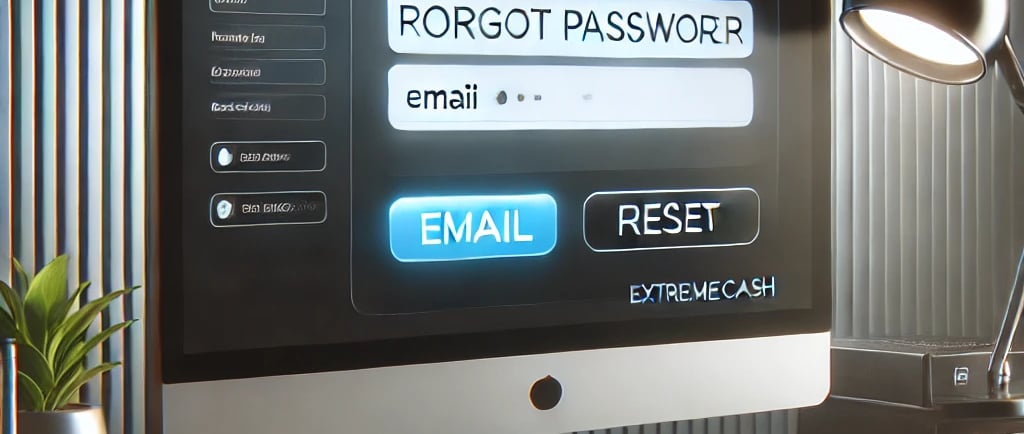
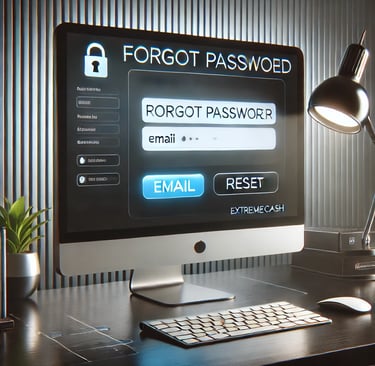
On the login page, locate and click on the “Forgot Password?” link. This option is usually found directly below the password entry field. Clicking this link will initiate the password recovery process.
Step 3: Enter Your Registered Email Address
You will be prompted to enter the email address associated with your EXTREMECASH account. It’s crucial to provide the correct email address used at registration to receive the password reset instructions.
Step 4: Check Your Email
After submitting your email address, check your inbox for a password reset email from EXTREMECASH. If you don't see the email within a few minutes, check your spam or junk folder as it might have been filtered incorrectly.
Step 5: Follow the Password Reset Link
Open the password reset email and click on the link provided. This link will take you to a secure page on the EXTREMECASH website where you can set a new password. The link is typically time-sensitive, so be sure to use it as soon as possible.
Step 6: Set Your New Password
On the password reset page, you’ll be asked to enter a new password. Choose a strong password that includes a mix of letters, numbers, and symbols to enhance security. You’ll likely need to enter the new password twice to confirm that it’s typed correctly.
Step 7: Confirm the Password Reset
After entering your new password, submit the form. If all goes well, you’ll receive a confirmation message indicating that your password has been successfully reset.
Step 8: Log In with Your New Password
Now that your password has been reset, return to the login page and enter your username and the new password. If you’ve followed all the steps correctly, you should gain access to your account without any issues.
Troubleshooting Tips
If you encounter any problems during the password reset process, here are a few tips:
Ensure Accurate Email Entry: Double-check the email address you enter to ensure it's the one associated with your EXTREMECASH account.
Link Expiration: If the password reset link has expired, you will need to repeat the process to generate a new link.
Technical Issues: If technical problems persist, contact EXTREMECASH customer support for assistance.
Conclusion
Resetting your password at EXTREMECASH is designed to be a quick and secure process. By following these steps, you can easily regain access to your account and continue enjoying the wide range of games and betting options available. Remember, maintaining a strong, unique password is key to protecting your account and personal information.
Get in touch
QUICK GUIDE ON HOW TO REGISTER
Let's Talk
info@extremecash.org.ph


ALL RIGHTS RESERVED 2024